Example: tracking a widget change
A cluster is a snapshot, so two snapshots taken either side of a PublicWWW update can be compared. This walks through finding the sites that took up one share widget and dropped another - eight steps, with the screens they happen on.
The same shape works for any "who changed from A to B" question: two searches,
two clusters, repeat after an update, subtract, intersect. Through the
API these are /v1/clusters and
/v1/clusters/combine with diff and and.
-
Take a line from each widget's install code. ShareThis loads
sharethis.com/button, AddToAny loadsaddtoany.com/menu/page.js. -
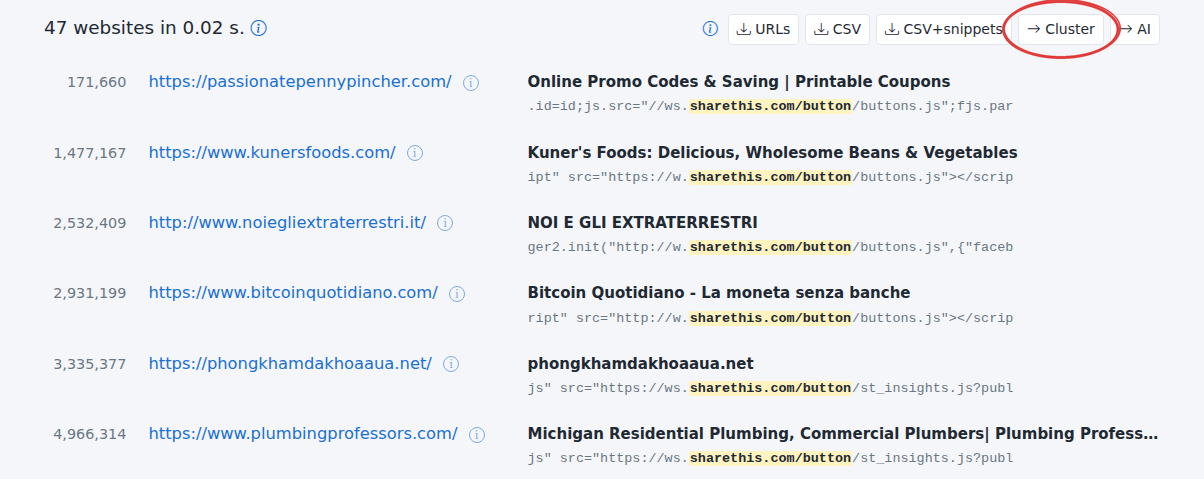
Search for "sharethis.com/button" and press Cluster above the results to store the domains:
- Do the same for "addtoany.com/menu/page.js", into a second cluster.
- Wait for a PublicWWW update, repeat both searches and store each into a new cluster. A cluster can be renamed on the clusters page - "before" and "after" in the name keep them apart.
-
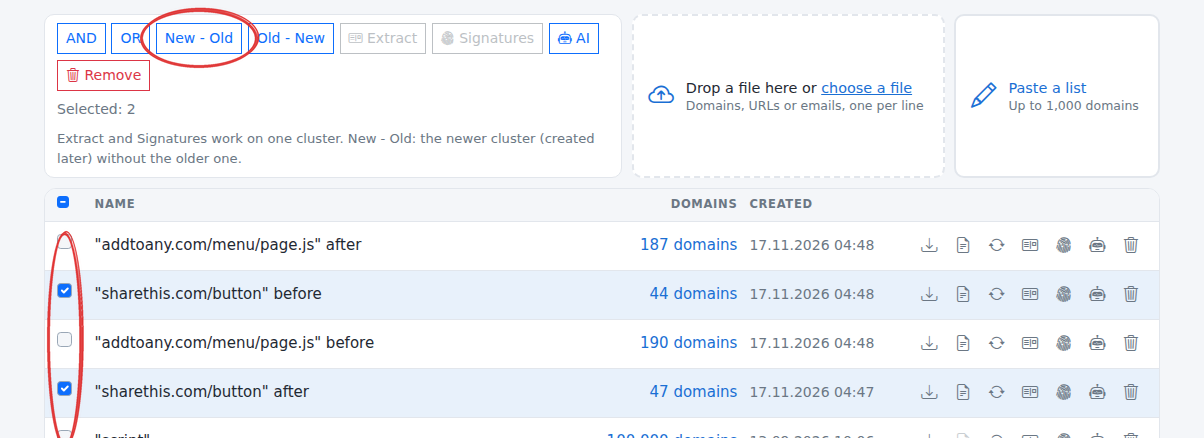
On the clusters page tick the two ShareThis clusters and press New - Old: the sites that have the code now and did not before.
- Tick the two AddToAny clusters and press Old - New: the sites that had the code and dropped it.
-
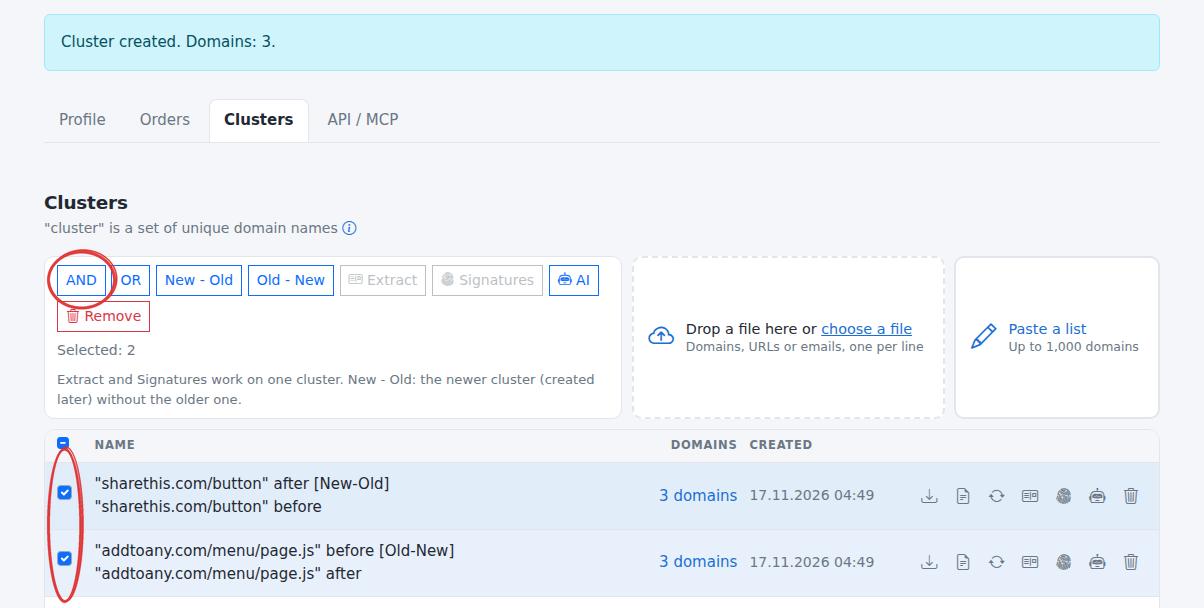
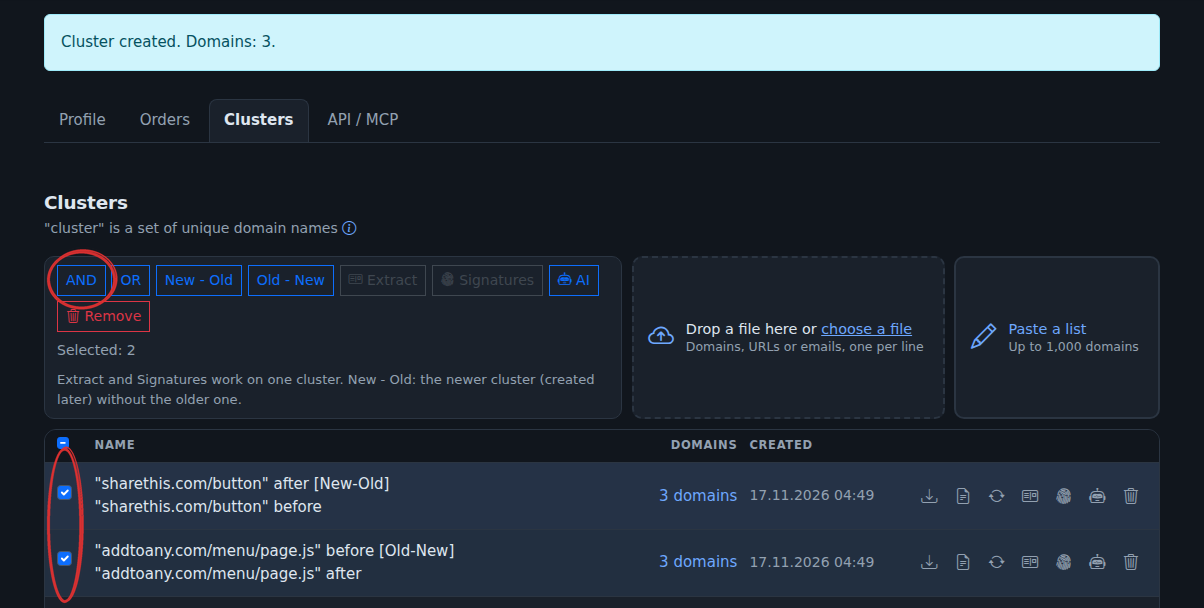
Each operation says how many domains the new cluster holds and marks its row. Tick the two results and press AND: the sites that installed ShareThis and removed AddToAny.
-
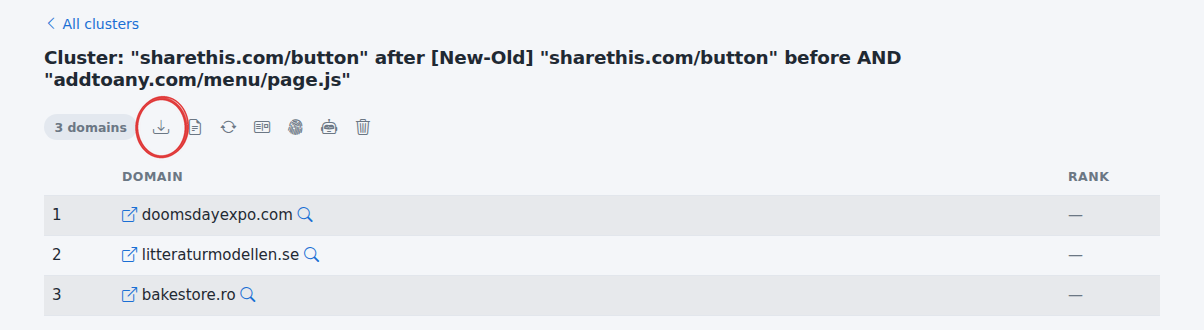
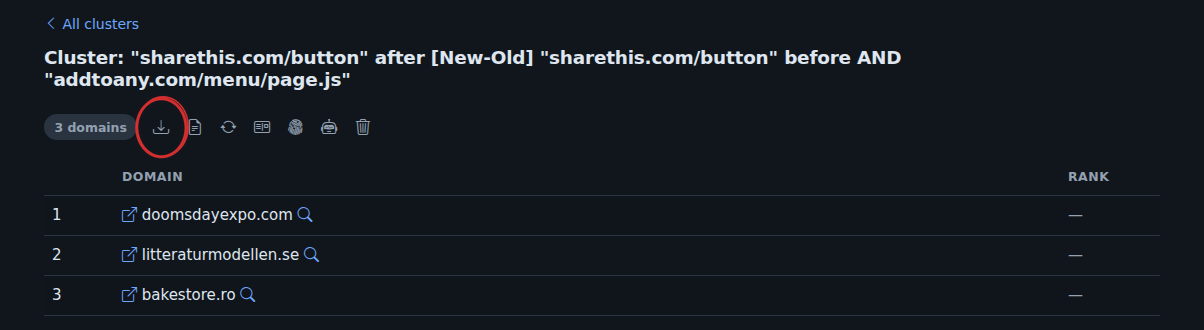
Open the result to see its sites, download it, extract from it or keep it for other operations:
Steps 2 and 3 must happen before the update you measure: the index as it was cannot be searched, so store a cluster whenever you run a query worth comparing later.
Next Example: extracting phones and emails